AI-Powered Interior Design
Reimagineyour spaces
Select any surface in your room photo, apply realistic textures — marble, wood, brick — or place furniture with AI. See the result in seconds.
Features
Texture Application
Select any wall, floor, or ceiling. Describe a material — white marble, oak parquet, exposed brick — or upload a reference. AI renders it with correct perspective, lighting, and scale.
Furniture Placement
Mark where you want furniture placed. Describe it or upload a photo. AI generates the piece with matching shadows, reflections, and room-accurate perspective.
Checkpoint System
Every edit is saved as a checkpoint. Go back to any step, branch off in a new direction, compare versions. Non-destructive editing with full history.
See It In Action
From empty room to dream space
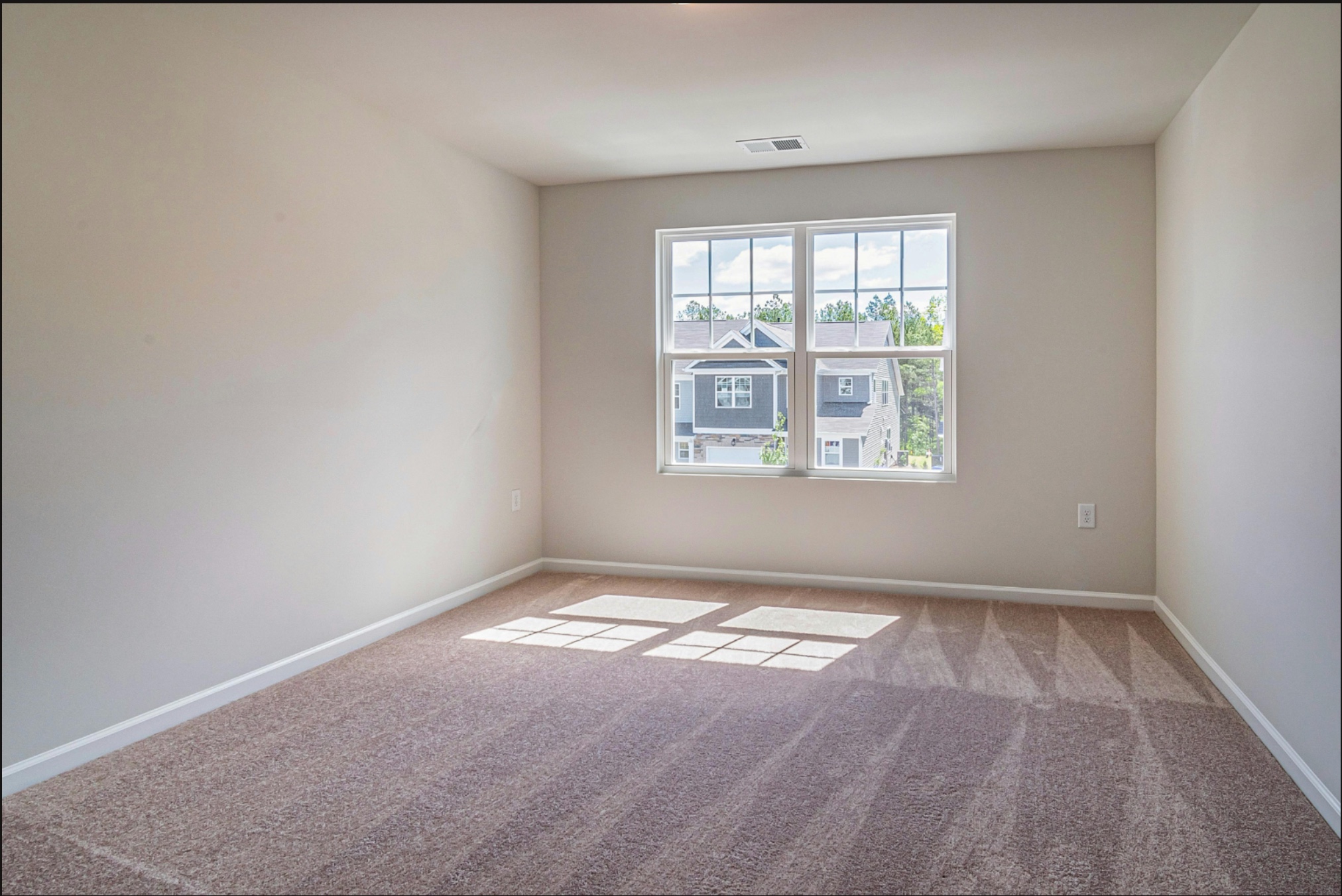
Upload your room photo
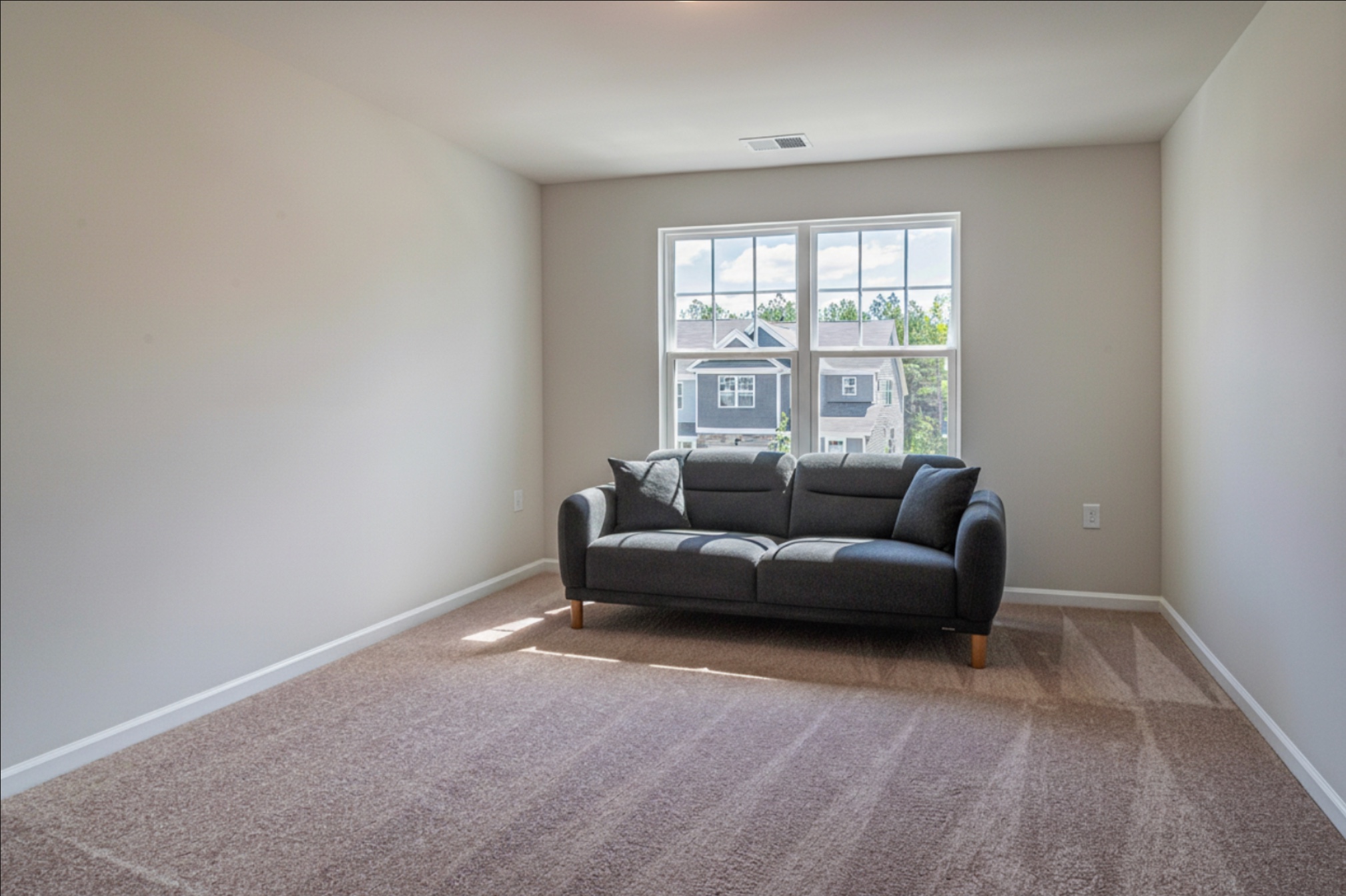
AI places furniture with correct perspective & lighting
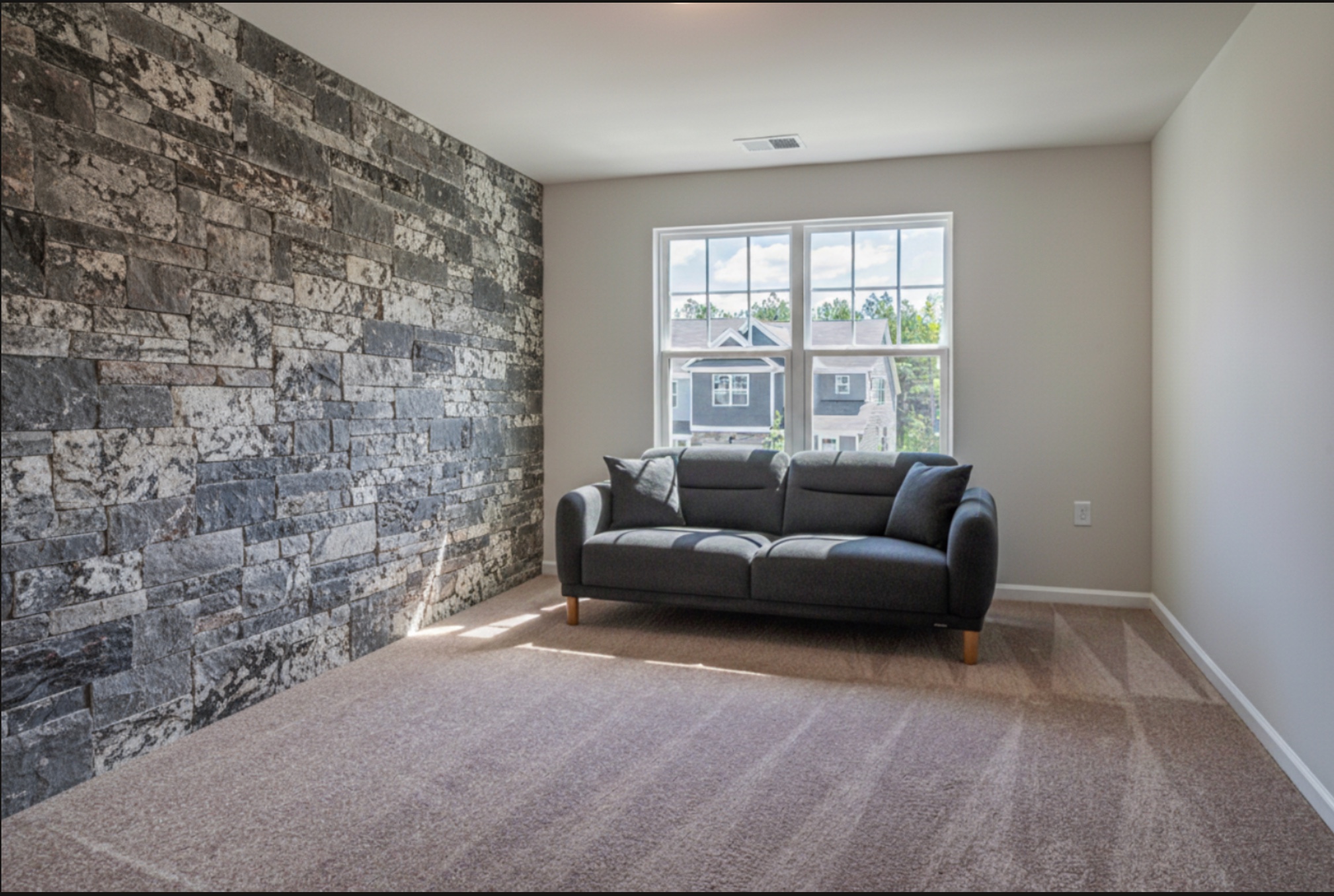
Wall texture applied from reference image
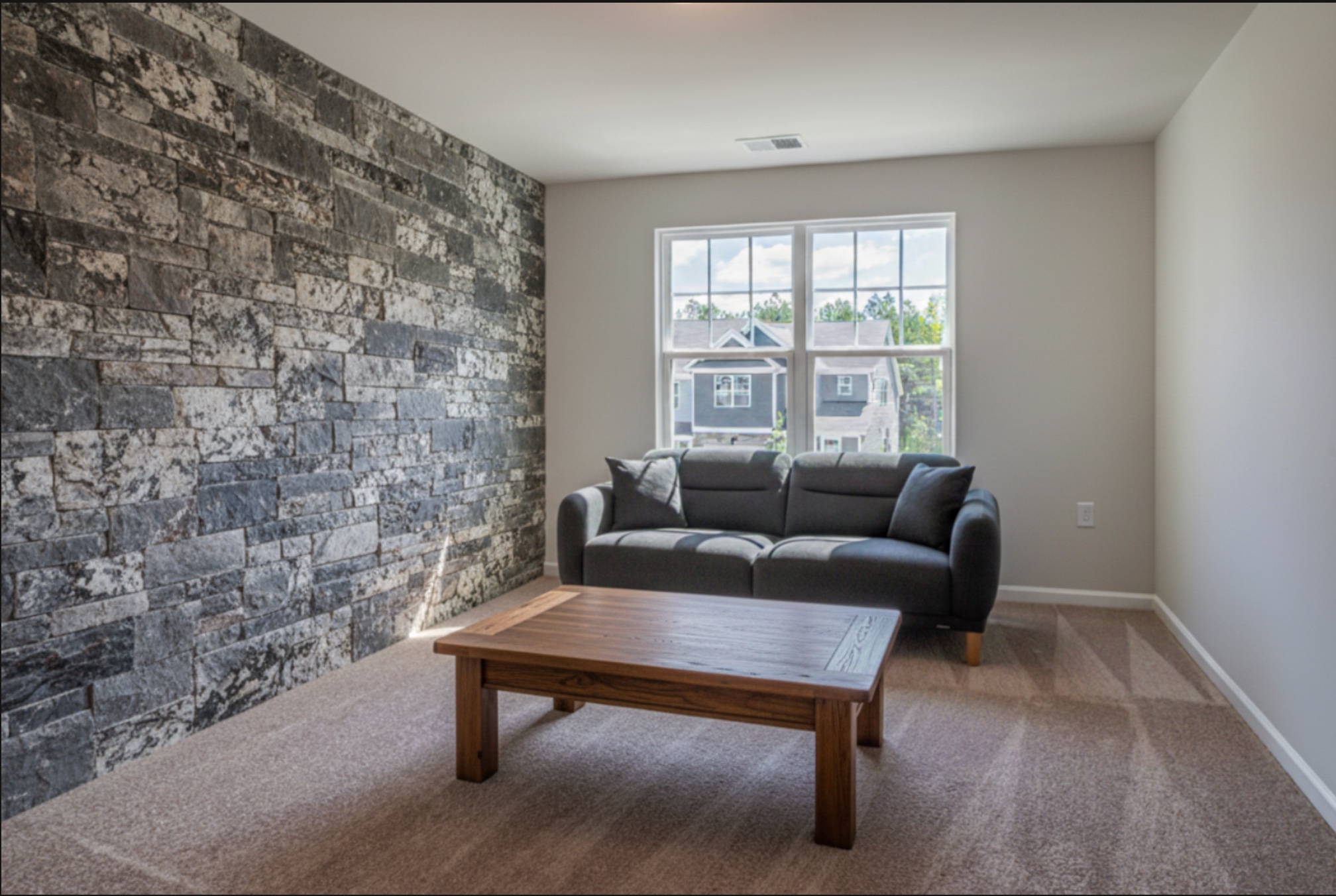
Your transformed space — download or keep editing
Pricing
Pay as you go
No subscriptions. Buy credits when you need them. Every AI render costs 1 credit. Start with 3 free credits.